How AI Is Revolutionizing Web Development: Tools, Trends, and What's Next
The Shift Has Already Begun
AI integration in web development is not a distant prediction — it is happening right now, inside real codebases, design tools, and deployment pipelines. Development teams that once spent weeks on repetitive tasks are compressing that work into days. Agencies are shipping more projects with the same headcount. The tooling has matured enough that ignoring it is no longer a neutral choice.
What changed? A convergence of machine learning breakthroughs, accessible APIs, and a generation of developer tools built specifically for production environments. AI isn't just a research curiosity anymore — it's embedded in the editors, browsers, and platforms developers use every day.
This article breaks down where AI is making the most measurable impact, which capabilities are genuinely useful versus overhyped, and what developers and businesses should actually do about it.
AI-Powered Code Generation and Assistance
AI coding assistants help developers write, debug, and refactor code significantly faster by predicting intent, surfacing relevant patterns, and catching errors before they reach production. The productivity gains are real — studies from GitHub suggest developers using AI assistance complete tasks up to 55% faster on certain categories of work.
Tools like GitHub Copilot, Cursor, and Amazon CodeWhisperer go beyond simple autocomplete. They can generate entire functions from a natural language comment, explain legacy code in plain English, and suggest refactors that improve readability or performance. Natural language processing is the backbone here — the ability to translate a developer's intent into syntactically correct, contextually appropriate code.
That said, these tools are not infallible. AI-generated code can introduce subtle bugs, use deprecated patterns, or miss domain-specific constraints that only a human reviewer would catch. The practical workflow that works best treats AI output as a first draft, not a finished product. Code review remains essential — arguably more so, because the volume of generated code increases.
Where AI code generation genuinely shines is in boilerplate-heavy work: scaffolding CRUD operations, writing unit tests, generating API client code, or converting designs into component structure. These are tasks that consume developer time without requiring deep creative judgment — exactly the kind of work AI handles well.
Smarter Design: AI in UI/UX
AI is streamlining design workflows by automating layout suggestions, accessibility audits, and responsive behavior — reducing the manual iteration cycle between designers and developers.
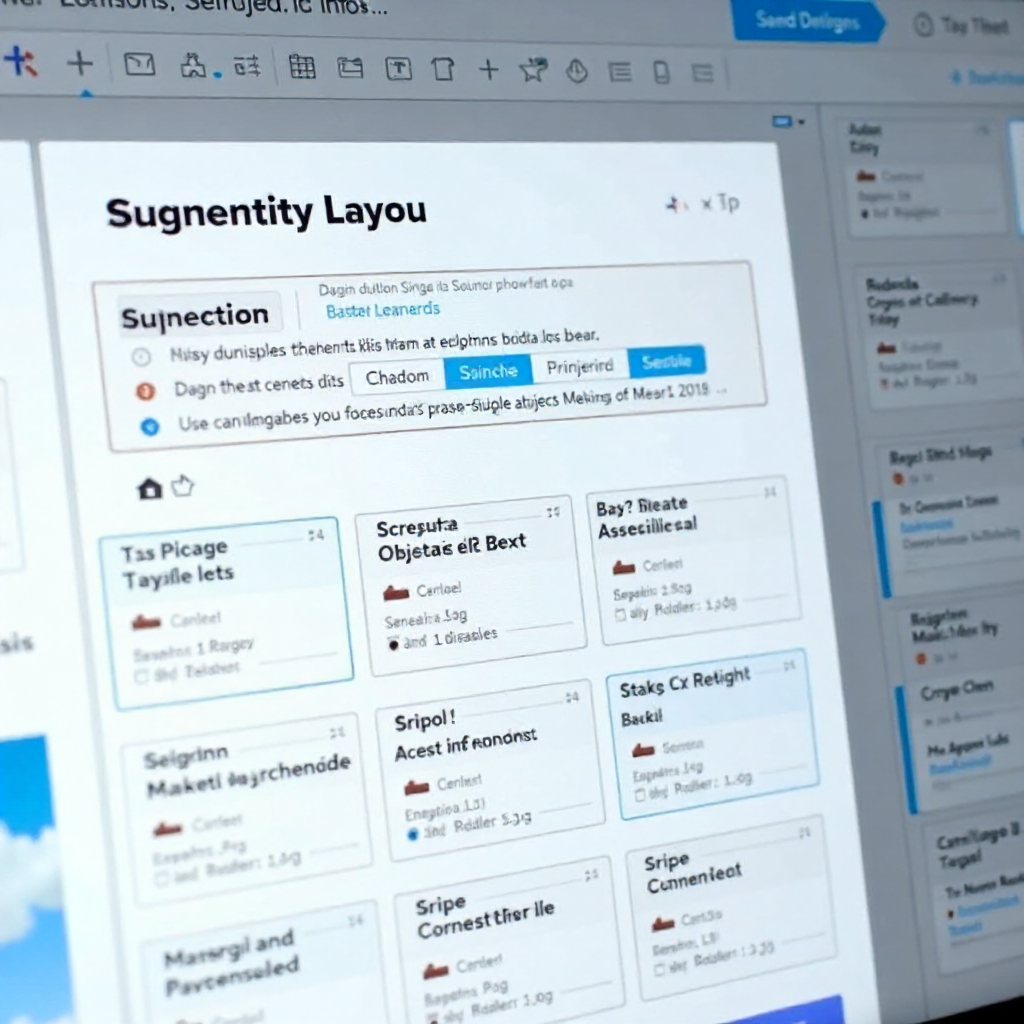
Tools like Figma's AI features and Uizard can generate wireframes from rough sketches or text descriptions. More practically, AI-powered accessibility checkers now scan designs for contrast ratios, screen reader compatibility, and WCAG compliance automatically — catching issues that previously required manual audit cycles.
UX/UI design automation also extends into user behavior analysis. Platforms can now use ML models to analyze heatmaps, session recordings, and conversion data to recommend layout changes with predicted impact. Instead of running an A/B test for three weeks to learn that a CTA button placement underperforms, an AI model surfaces that insight from existing behavioral data in hours.
The limitation worth naming: AI design tools work best when trained on conventional patterns. Novel or brand-specific design languages still require human creative direction. AI accelerates execution; it doesn't replace design thinking.
Personalization and Dynamic Content at Scale
AI-driven personalization engines allow websites to serve tailored content, product recommendations, and adaptive interfaces to each visitor — without manually configuring rules for every segment.
Traditional personalization required marketing teams to define audience segments, write conditional logic, and maintain rule sets that aged quickly. Machine learning personalization flips this: models learn from behavioral signals in real time, adjusting content recommendations, navigation prominence, and even page layout based on what individual users actually do.
E-commerce sites are the most visible beneficiary. A returning visitor who consistently browses a specific product category sees a homepage tuned to that interest. A first-time visitor gets a different experience optimized for orientation and trust-building. The same underlying page, serving meaningfully different experiences — at scale, without manual intervention.
Chatbots and conversational interfaces represent another personalization layer. Modern AI-powered chatbots, built on large language models, can handle nuanced support queries, guide product selection, and escalate intelligently to human agents. The gap between a scripted chatbot and a genuinely useful conversational interface has narrowed considerably since 2024.
Performance Optimization and Testing Automation
AI reduces manual QA effort by automating bug detection, load time analysis, and predictive performance monitoring — catching issues earlier and with less human overhead.
Web performance optimization has always been data-intensive work. AI tools like those integrated into Lighthouse CI pipelines or standalone platforms can now analyze performance traces, identify bottlenecks, and recommend specific fixes — prioritized by expected impact. Instead of a developer manually interpreting a waterfall chart, the tool surfaces: "This third-party script is blocking render for 340ms on mobile; consider lazy loading or deferring it."
Automated testing has benefited even more dramatically. AI-powered testing tools can generate test cases from user flows, detect visual regressions across browsers, and self-heal broken selectors when UI changes — a persistent pain point in traditional test automation. Teams using these tools report significant reductions in test maintenance overhead, which is often what kills long-term testing discipline in fast-moving projects.
Predictive monitoring is an emerging capability worth watching. ML models trained on historical performance data can flag anomalies before they become user-facing incidents — identifying patterns that precede slowdowns or errors rather than reacting after the fact.
The Rise of No-Code and Low-Code AI Platforms
AI-enhanced no-code and low-code platforms are enabling non-developers to build functional web products, which is expanding who participates in web development — not eliminating the need for developers.
Platforms like Webflow, Bubble, and newer AI-native builders allow marketers, founders, and product managers to create and iterate on web experiences without writing code. AI layers on top of these platforms now handle responsive layout generation, content population, and even basic logic — lowering the barrier further.
For businesses, this creates real efficiency. A marketing team that can update a landing page or launch a campaign microsite without a development sprint moves faster and reduces bottlenecks. For development agencies, low-code AI platforms can handle the commodity work, freeing developers to focus on custom functionality, integrations, and performance work that genuinely requires engineering expertise.
The honest trade-off: no-code platforms impose constraints. Customization ceilings, vendor lock-in, and performance limitations are real considerations. They're the right tool for a defined category of use cases — not a universal replacement for custom development.
What This Means for Developers and Businesses
AI functions as an augmentation tool for developers, not a replacement — but it does change what skills matter and raises the baseline expectation for output quality and speed.
The developers who will be most valuable in an AI-assisted environment are those who can direct AI tools effectively, critically evaluate generated output, and focus their judgment on architecture, product decisions, and edge cases that AI handles poorly. Prompt engineering, understanding model limitations, and maintaining code quality standards in AI-assisted workflows are becoming practical skills — not theoretical ones.
For businesses, the competitive dynamic is shifting. Companies that integrate AI into their developer workflows can ship faster, test more hypotheses, and maintain larger surface areas with the same team size. Those that don't are competing against organizations that effectively have a productivity multiplier. The gap compounds over time.
Early adoption does carry risk — AI tools evolve quickly, and over-reliance on any single platform creates fragility. The pragmatic approach is incremental integration: identify the highest-friction parts of your current workflow, evaluate which AI tools address them with acceptable accuracy, and build the habit of human oversight into the process from the start.
Frequently Asked Questions
Will AI replace web developers?
No — at least not in any near-term timeframe that's grounded in current capability. AI tools automate specific, well-defined tasks, but web development involves ambiguous requirements, system-level thinking, and judgment calls that models consistently struggle with. The more accurate framing: AI raises the productivity ceiling for developers who use it, and lowers the floor for what non-developers can build independently. The demand for skilled developers is shifting, not disappearing.
What are the best AI tools for web development in 2026?
The most widely adopted tools include GitHub Copilot and Cursor for code generation, Figma AI for design workflows, Playwright with AI test generation for QA automation, and various ML-powered personalization platforms for content delivery. The right stack depends on your specific workflow — there's no single tool that covers all categories well.
How does AI improve website performance and user experience?
AI improves performance through automated bottleneck detection, predictive caching, and intelligent image optimization. On the UX side, personalization engines adapt content and layout to individual user behavior, while AI-driven accessibility tools ensure broader usability. The combined effect is a site that loads faster and feels more relevant to each visitor — both of which measurably improve conversion and retention metrics.
Can small businesses benefit from AI in web development?
Yes, and often more immediately than large enterprises. AI-enhanced no-code platforms let small teams build and iterate on web products without dedicated engineering resources. AI chatbots handle customer inquiries at scale without support staff overhead. The barrier to accessing these tools has dropped significantly — most are available on affordable subscription tiers.
What skills should developers learn to work effectively with AI tools?
Focus on: prompt construction and iteration (getting useful output from AI tools consistently), critical code review (evaluating AI-generated code for correctness and security), system design thinking (AI handles implementation details; humans need to own architecture), and staying current with the tooling landscape. Developers who treat AI literacy as a professional skill — rather than a novelty — will adapt fastest to how the field continues to evolve.